 That Was
Out
Two-angle pickleball replay
Run it
back.
Set two phones courtside. When a point gets close, watch it back from both angles.
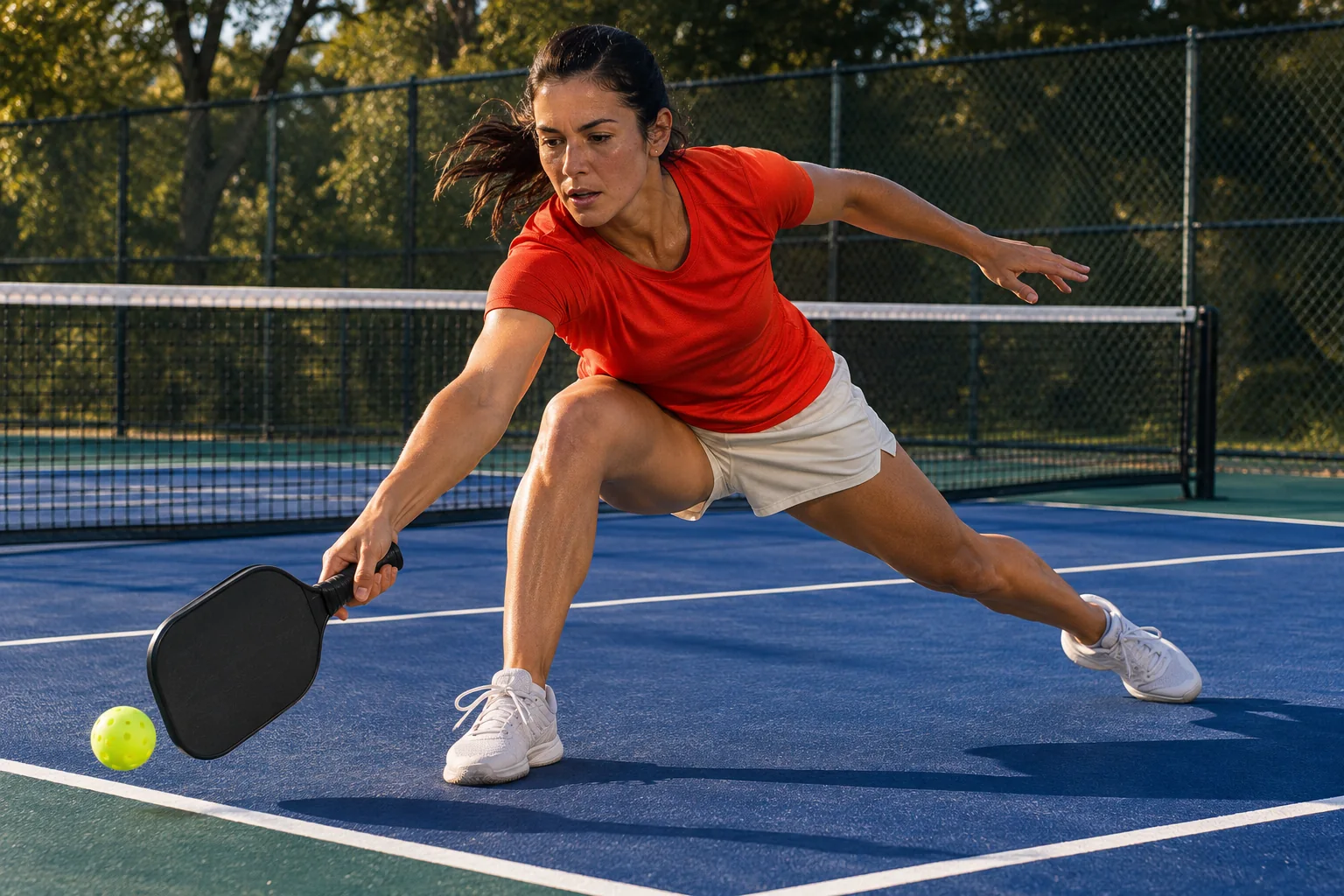
- Runs in your browser
- Private camera pairing
- Export both angles
Court setup
One court.
Two phones.
-
Pick your angles.
Set both phones in landscape, clear of play. Use opposite sidelines when space behind the court is tight.
-
Pair up.
Join the same Wi-Fi or hotspot. Open the app on one phone and scan its pairing code with the other.
-
Check the replay.
Record the game. After a rally, tap Check the replay on either phone. Both angles open on the host while the next point starts recording.
Camera placement
Stagger the phones outside opposite sidelines, near the kitchen lines.
Courtside FAQ
Do we both need to install an app?
Open the website in a camera-enabled browser on each phone. Connect both to the same Wi-Fi or personal hotspot, allow camera access and keep both screens awake while recording.
Who can see our game?
The invitation pairs one guest with the host. Both silent video angles stay in the host phone’s browser storage. Export a game before clearing browser data. If the host enables Claude review, selected replay stills go to Anthropic for analysis.
Does it make live calls?
The optional line-call trial quietly flags possible outs for review. One clear camera can supply a suggestion. Paddle and kitchen analysis are experimental, and players make the final call.